Video calls are now part of everyday life — work meetings, job interviews, classes, and family catch-ups. Yet most of us were never taught how to do them well: we join with bad lighting, echoing audio, and a camera angle that shows mostly ceiling, then wonder why we feel tired and unheard.
The good news is that a few small changes make a big difference — no expensive equipment or home studio needed, just a better setup, a few speaking habits, and meetings that respect people’s time.
Why Video Calls Feel Harder Than Real Meetings
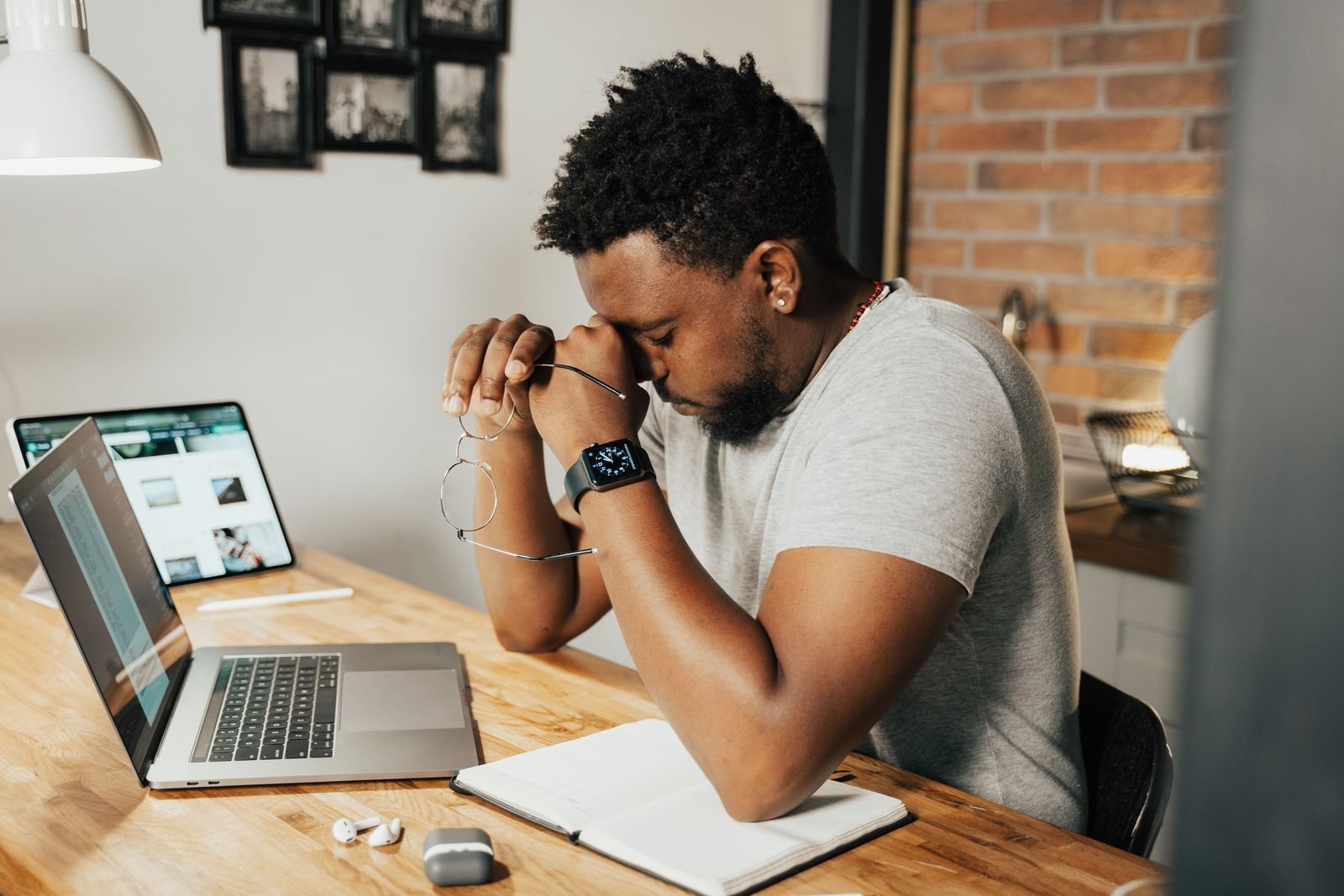
In a real room, you read the whole person — posture, gestures, the energy of the group. On a screen, you see only a small face in a box, and your brain works harder to fill in the gaps. You also see yourself, which is distracting: most people spend part of every call checking their own image instead of listening.
Then there is the delay. Even a tiny lag makes people talk over each other and breaks the natural rhythm of conversation. Add background noise, a dark room, or a wobbly connection, and a simple meeting becomes hard work — but most of it can be improved with a little preparation.
Before the Call: Set Up Your Space
A good video call starts before you press join — five minutes of setup saves you from apologising for the whole meeting.
Get the Lighting Right
Lighting matters more than your camera. Sit facing a window or lamp, so light falls on your face, not behind you — otherwise you become a dark silhouette. A desk lamp behind your laptop works well in the evening. Avoid a bright window behind you, or harsh overhead light that casts shadows under your eyes.
Choose a Calm Background
Your background says something about you. A tidy bookshelf, plain wall or closed door is fine; a messy bed or busy kitchen is distracting. Take thirty seconds to tidy what the camera can see — or use a blurred background, though a real tidy corner usually looks better.
Raise the Camera to Eye Level
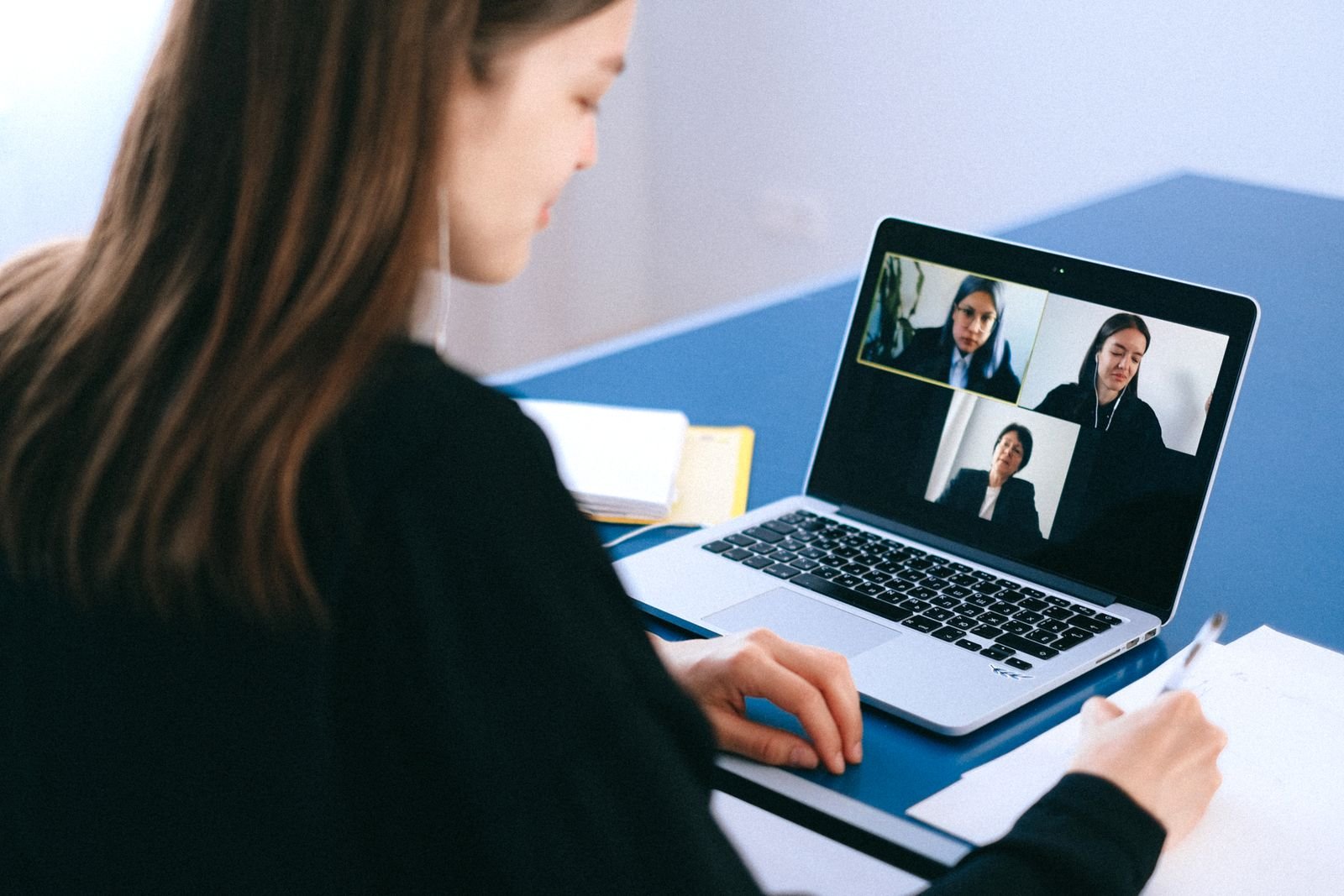
Most laptops sit too low, so the camera looks up your nose and shows the ceiling. Stack yours on a few books until the camera is at eye level, your face filling the frame from the chest up. This makes you look more confident, and is kinder to your neck than looking down all day.
Test Your Audio First
People forgive a blurry picture, but rarely bad sound. Before an important call, test your microphone and speakers. Earphones with a built-in mic are often clearer than a laptop mic and reduce echo. Find a quiet spot, close the door, and warn anyone at home you are on a call. If your connection is weak, sit closer to your router.
During the Call: Look and Sound Your Best
Look at the Camera, Not at Yourself
This is the hardest habit to learn, and the most useful. When you speak, look at the camera lens, not at faces on screen or your own image — to others, it looks like eye contact. When listening, look at the speaker, and hide your own video preview so you stop checking yourself.
Speak a Little More Slowly and Clearly
Audio on a video call is never as clear as in person, so slow down and speak clearly. Pause between points, and leave a beat after someone finishes before you reply — that gap prevents the talking-over-each-other that lag causes. If you have a key point, say it plainly and stop, rather than filling the silence.
Sit Up, and Use Mute Wisely
Your posture shows on camera: sit up straight, feet on the floor, shoulders relaxed, with a little hand movement inside the frame. Mute yourself when you are not speaking in a large meeting. But unmute before you speak, and jot down key points as you go: it keeps you focused and gives you a record.
Sitting through back-to-back calls all day is hard on the body. Stand up and stretch between calls, and take a short walk when you can. Our guide on what a sedentary lifestyle is and how to move more explains why breaking up long sitting sessions matters — even a few minutes of movement can leave you more alert.
How to Run a Better Video Meeting
If you are the host, you set the tone. Before you send the invite, ask what the meeting must achieve, and put that in the invite with a short agenda, so people arrive prepared and the conversation stays on track.
Begin on time, even if not everyone has arrived — waiting for latecomers teaches people your meetings start late. A quick round of introductions helps when someone new joins, and naming who should speak next avoids the awkward silence where everyone waits for someone else.
Keep the meeting short — most do not need a full hour, so try thirty minutes and end early if the work is done. Finish by summarising decisions and who will do what, then send a short follow-up note. If the call is long, build in a break: after forty-five minutes, five minutes away from the screen helps everyone return fresh.
Common Mistakes to Avoid
The most common mistake is joining late and unprepared, then spending the first five minutes fixing your camera and audio while everyone waits. Join a minute early, test your sound, and have your notes ready.
Another mistake is multitasking. People notice when your eyes move and your answers lag. If the meeting does not need your full attention, ask whether you need to be there at all. When you are there, be there.
Eating on camera is another one to avoid, unless it is a casual lunch with friends — chewing sounds loud on a microphone. Finally, avoid bright or distracting patterns: fine stripes and busy checks can shimmer on screen, while solid, mid-tone colours look best. The same thinking applies to photos, as our guide to lifestyle photography shows: simple, natural framing beats a fussy setup.
Good habits off camera matter too: routine, sleep and time away from screens help you show up better. Our guide to healthy lifestyle proven tips for a happier, fitter and better you covers the basics that make long days of video meetings easier.
Frequently Asked Questions
How can I look better on a video call?
Face a window or lamp so light falls on your face, raise your camera to eye level, and keep your background tidy. Wear a solid, mid-tone colour, sit up straight, and look at the camera when you speak. Good lighting and a level camera matter more than an expensive webcam.
Why does my audio sound bad on video calls?
It is often the microphone or the room, not the connection. Try earphones with a built-in mic, move to a quieter spot, and close windows and doors to reduce echo. If your voice still sounds distant, sit closer to the mic and speak more slowly.
Should I keep my camera on during a video call?
In most work meetings and classes, yes — camera on helps people feel connected and shows you are engaged. If your connection is weak, switch it off briefly and say why. In large meetings where you are only listening, camera off is usually acceptable.
How do I stop talking over people on video calls?
The small delay in video audio is usually the cause. Pause for a beat after someone finishes before you reply. In group calls, the host can name the next speaker, and the raise-hand feature keeps things orderly.
Conclusion
Good video calls are not about expensive equipment or a perfect office. They are about a few simple habits: light on your face, camera at eye level, clear audio, a tidy background, and actually listening.
Prepare five minutes before the call, look at the camera when you speak, keep the meeting focused, and give people a short break when a call runs long. Do that, and your calls will feel less tiring, more professional, and more human.
Questions about working from home, or a topic you would like us to cover? Contact us — we would love to hear from you.